
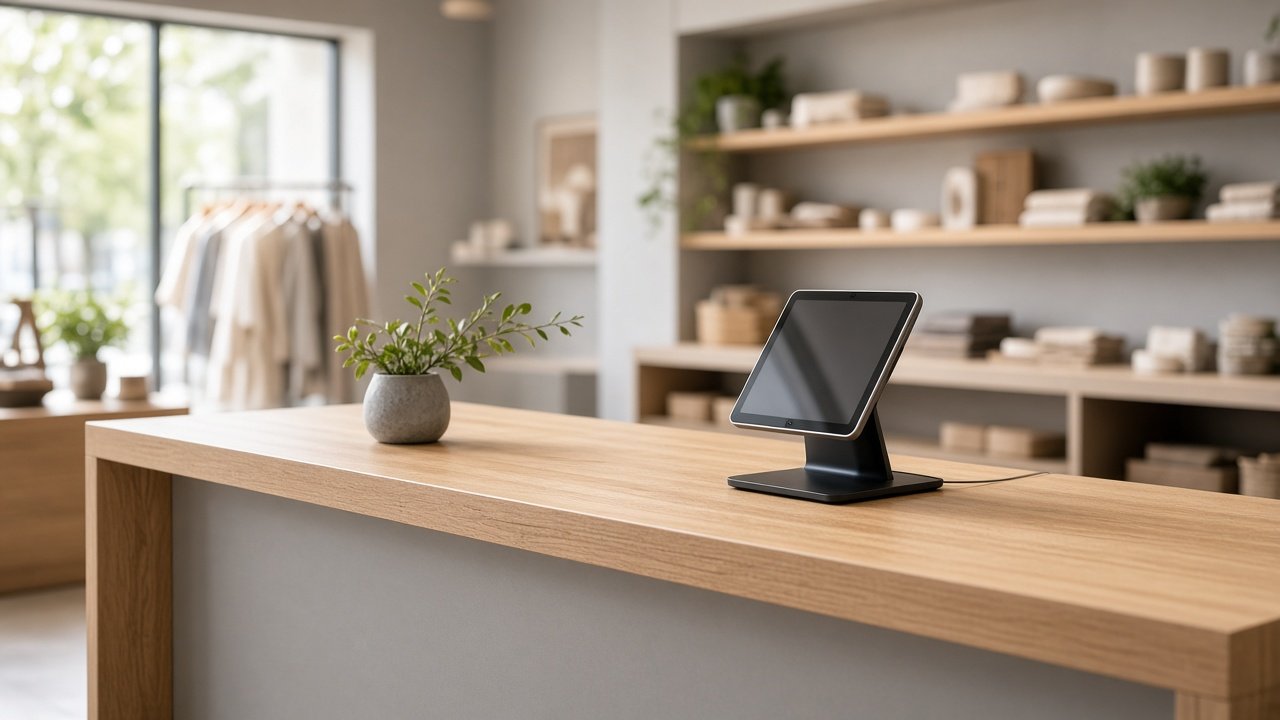
Optimaera
Run sales, stock, and invoices from one calm workspace.
Built for shops that need a fast counter, reliable inventory, and clean paperwork without switching tools all day.
Made for busy retail teams
Optimaera is a cloud workspace for shops that sell from a counter every day. Phone stores, spare-parts counters, service desks, and mixed retail teams use it to take payments, keep stock honest, and send customers a clear invoice.
Instead of spreading work across notebooks, spreadsheets, and separate billing apps, your sales, goods received, returns, expenses, and reports stay in one place. Owners see the numbers. Cashiers stay on a simple POS path. The paperwork matches what happened at the till.
Everything your counter needs
The same clear surfaces and controls you use inside Optimaera for POS, stock, and invoices, presented the way your team already works on a busy day.
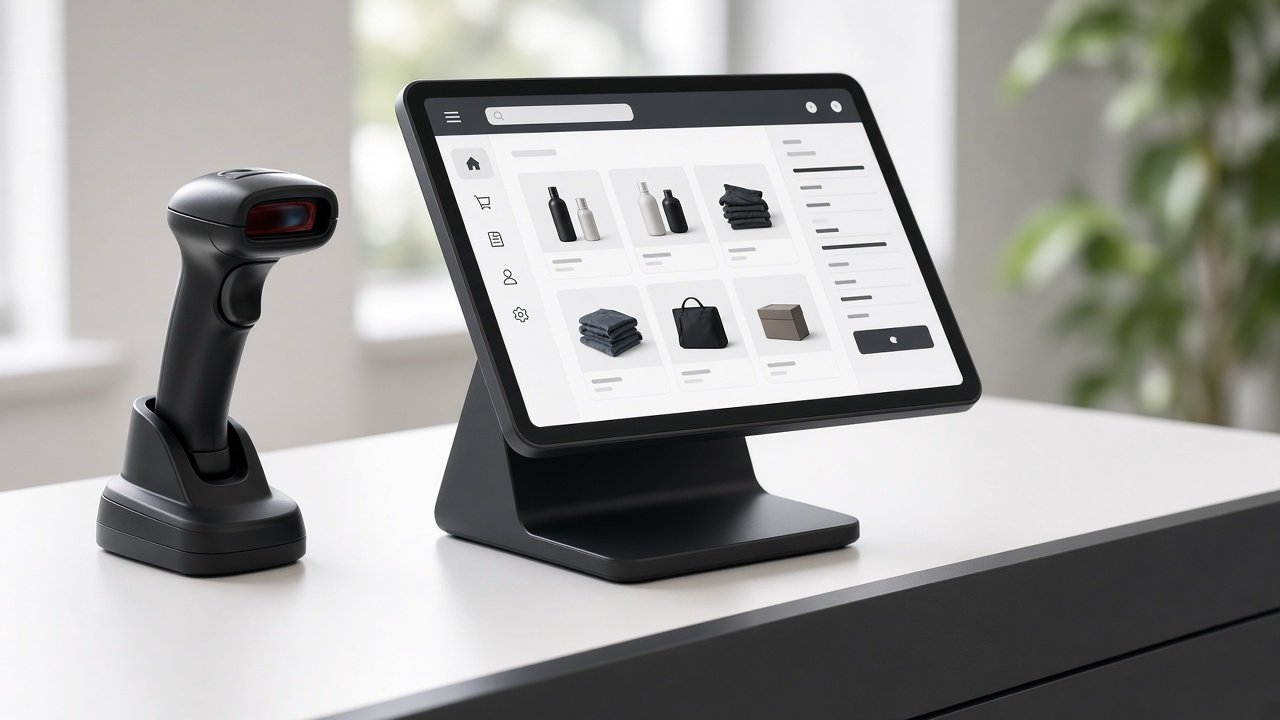
Checkout that keeps the queue moving
Scan barcodes, apply line discounts, take payments, and print thermal receipts without leaving the counter flow. Walk-in customers and saved customers both finish in a few taps.
- Barcode lookup and quick item search
- Line and bill discounts with clear totals
- Thermal receipt and A4 invoice from the same sale
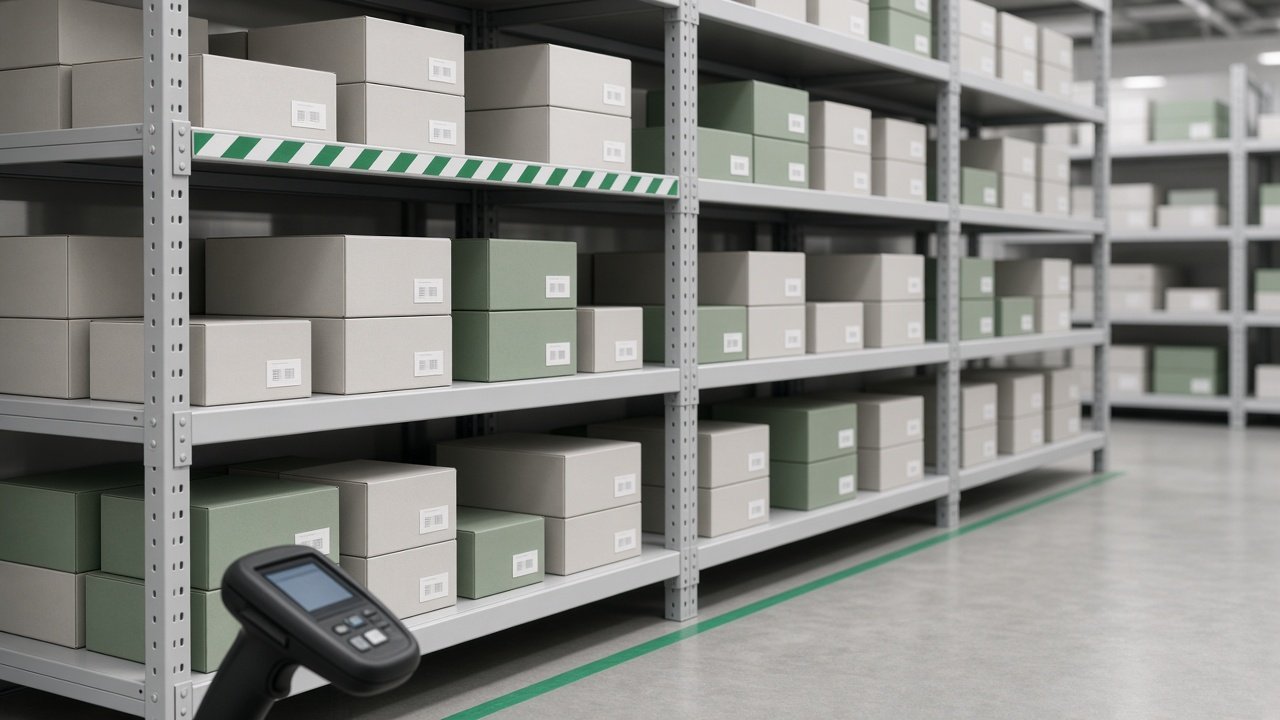
Stock you can trust at every sale
Receive goods with GRNs, track barcodes where you need them, and keep on-hand quantities aligned from warehouse intake to the POS. Fewer surprises when a customer asks for the last unit.
- Goods received notes tied to suppliers
- Barcode and batch tracking when enabled
- Stock moves that match real sales and returns
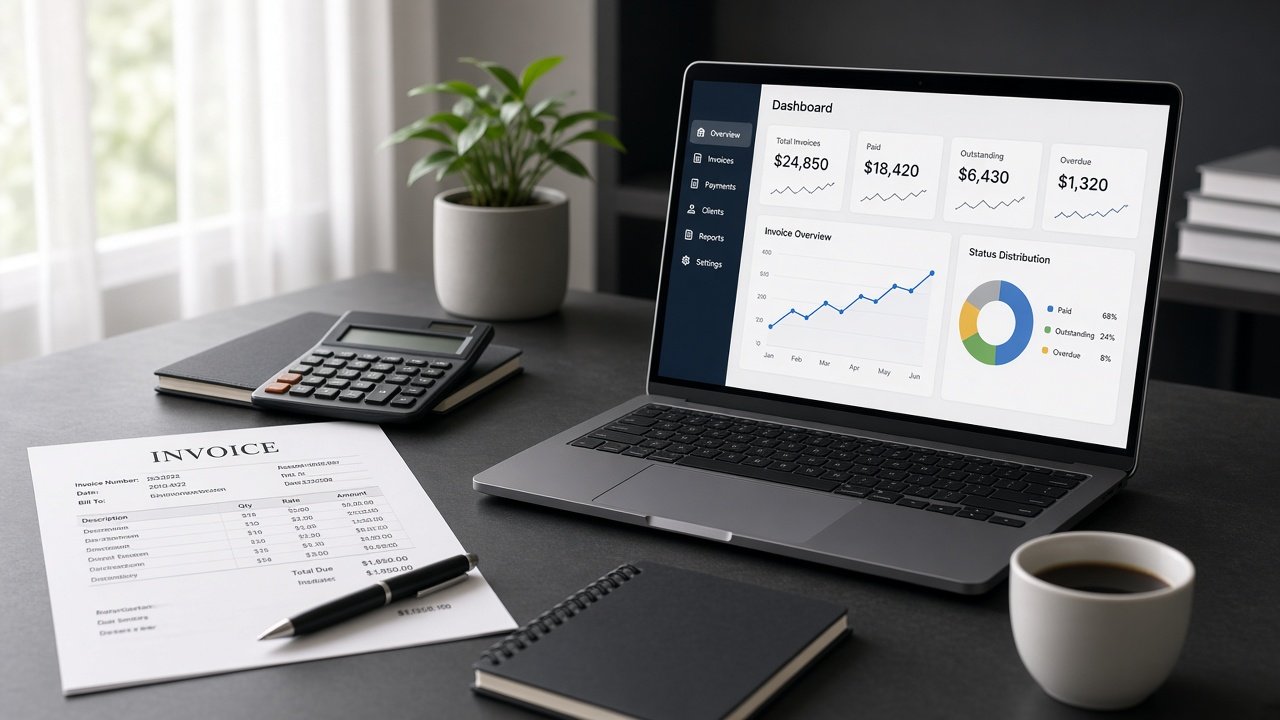
Paperwork that matches the sale
Issue A4 or thermal documents, manage installments and returns, and review expenses with a clear profit view. Your shop logo and layout settings travel with every print.
- Installments and paid or unpaid statuses
- Returns and exchanges against the original invoice
- Expense tracking with profit and loss context
A normal day inside Optimaera
The product follows the rhythm of a shop floor, from morning stock checks to evening cash review.
Morning
Open ready to sell
Confirm opening balances where you use them, check low stock, and start the POS with the same catalog your team knows. New items and prices stay in one catalog, not in a separate list.
During the day
Sell, receive, adjust
Take sales at the counter, print receipts, receive supplier stock through GRNs, and process returns without rewriting the original invoice history. Quotations can convert into invoices when a customer confirms.
Close of day
See what the day earned
Review sales, expenses, and cash movement in reports that match the invoices you already issued. Owners get a calm summary. Staff stay inside the screens they are allowed to use.
More than a till screen
Optimaera covers the jobs that usually spill into WhatsApp chats and side notebooks once the sale is done.
Returns & exchanges
Handle refunds and swaps against the original invoice. Stock history stays readable, and the customer still gets a clear paper trail.
Expenses & P&L
Record operating costs beside sales so daily cash and profit stay honest. You can see whether a strong sales day still left a healthy margin.
Thermal & A4 ready
Print receipts and formal invoices from the same sale record, with your shop logo and layout settings applied the same way every time.
Owner and staff roles
Give cashiers a focused POS path while owners keep settings, reports, and catalog control. Support access can be granted when you need help without sharing a permanent password.
Quotations to invoices
Prepare a quote for a customer, revise the lines, then convert it into an invoice once they agree. No retyping the same items again.
Cloud, multi-device
Sign in from the counter PC or another device on your account. Your catalog, invoices, and settings stay with the shop, not locked to one machine.
How to get started
Access is by request so each shop can be set up cleanly. Once your account is ready, you configure the basics and start selling.
Request an account
Tell us your shop name and contact details. We review the request and prepare your workspace.
Add your catalog and logo
Create categories and items, set prices, upload your business logo, and choose the invoice layout you want customers to see.
Sell from the POS
Receive opening stock if needed, then take sales, print receipts, and review the day from the same account.
Ready to run your shop on Optimaera?
Request access and we will set up your workspace with the same calm layout your team will use every day. If you already have an account, sign in and continue from the dashboard.